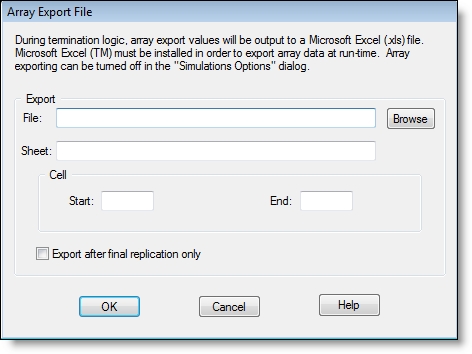
The fields in the Export Arrays dialog have similar functionality as those for the Import Arrays dialog.
If you export multiple times to the same spreadsheet,
If you are running multiple scenarios and/or replications, see step 5 below for a description of how the spreadsheet handles the multiple scenarios/replications.
How to export array data:
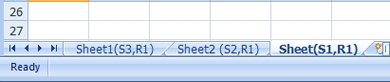
When the simulation is run, the array data will be saved to the spreadsheet file. If you ran multiple scenarios and/or replications, data from each one will be saved to a separate sheet in the spreadsheet file, as seen below.

|
© 2012 ProModel Corporation • 556 East Technology Avenue • Orem, UT 84097 • Support: 888-776-6633 • www.promodel.com |